Let’s be completely honest for a second. It is the 2026 World Cup finals. Your team is driving down the pitch, the stadium crowd is roaring through your speakers, and your heart is beating out of your chest.
Then… ding-dong.
The Amazon delivery guy or your chronically late friend arrives at the front door.
Now you are faced with the ultimate sports dilemma: Do you sprint to the door and risk missing the legendary goal your grandkids will ask you about? Or do you ignore the door, panic that your package is getting stolen, and ruin your focus anyway?
If your house runs on Home Assistant, you don’t have to choose.
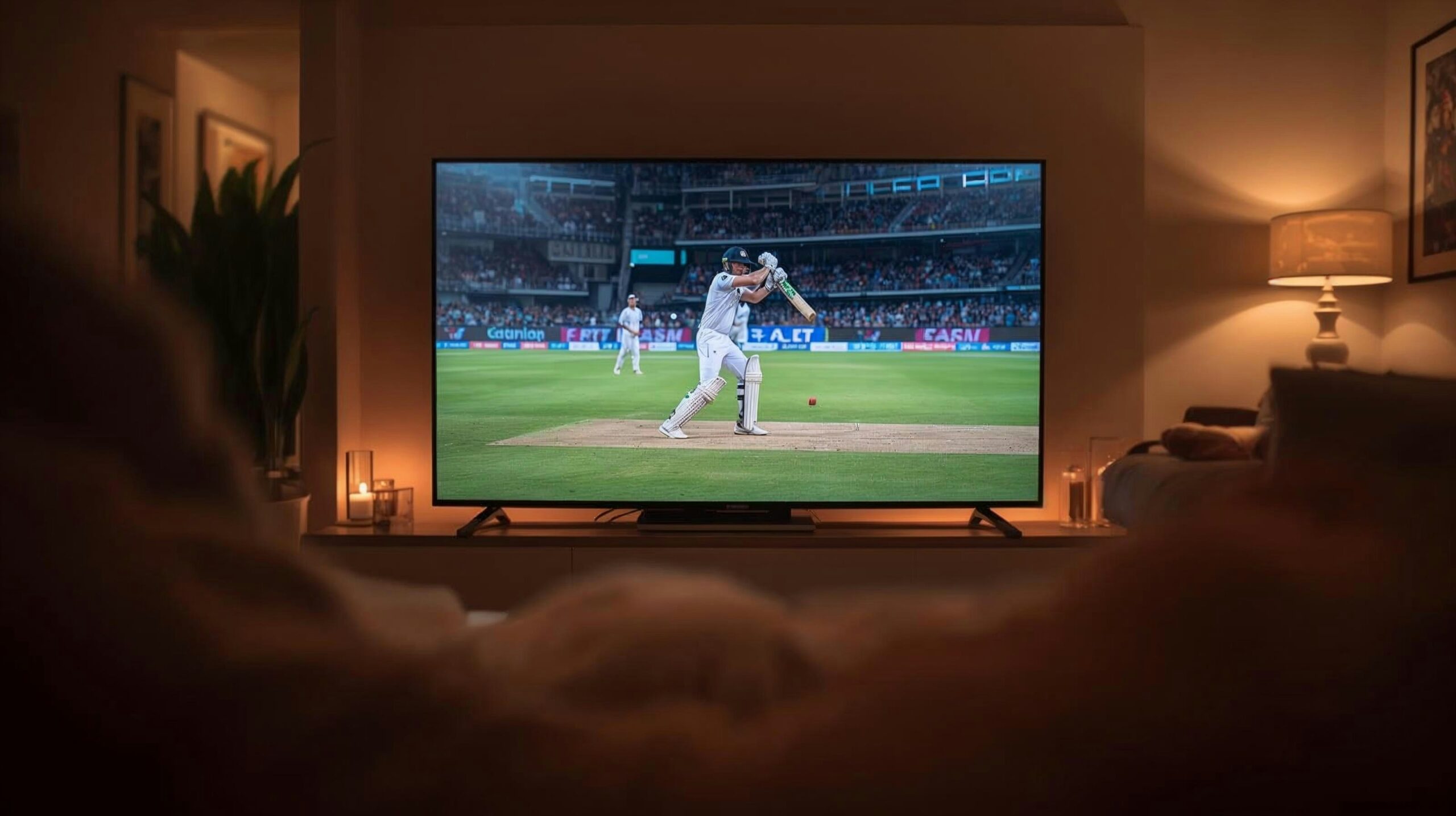
In this guide, we are going to show you how to build a fully automated World Cup Matchday Mode. With one single tap (or voice command), your smart bulbs will flash your team’s colors, your AC will gear up for your guests, and your video doorbell will pop up a live, zero-lag video feed right in the corner of your Smart TV screen.
No cloud lag, no monthly subscription fees, and absolutely zero missed highlights. Let’s dive in.
Why Local Automation Beats the Cloud on Game Day
Look, we love smart gear, but we absolutely hate cloud dependence. If your video doorbell relies on a distant server to send an alert to your phone, you are looking at a 5 to 10-second delay. In football, a lot can happen in 10 seconds.
Worse yet, when millions of people in your neighborhood are streaming the match in 4K, your Wi-Fi bandwidth is going to take a massive hit.
That is why we always recommend keeping this setup completely local:
- Zigbee & Z-Wave are your best friends: These sensors live on their own radio frequencies. They won’t touch your Wi-Fi, leaving all your precious internet bandwidth to feed your TV stream.
- Instant Feed Triggers: By using local streaming protocols (like RTSP), your camera feed jumps from your porch to your TV screen in milliseconds. It’s practically instant.
Step 1: The “Don’t Miss a Goal” TV Video Overlay
We want a slick, picture-in-picture video feed to pop up on your TV for exactly 15 seconds when someone walks up to your porch, and then quietly slide away.
The Gear Setup
- A Friendly Smart TV: Anything running Android TV, Google TV, LG webOS, or Samsung Tizen.
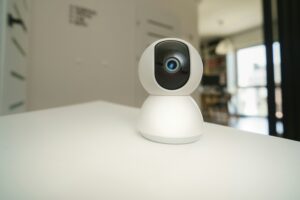
- A Local Security Camera: Reolink, Amcrest, and UniFi work beautifully here because they let us grab the direct video stream.
- The Secret Sauce: If you use Android/Google TV, download the free PIPUp app onto your TV.
The Home Assistant YAML Blueprint
Go ahead and copy-paste this automation into your Home Assistant script editor. We have written it to check if your TV is actually on first—because you don’t want your camera randomly hijacking your TV during late-night movie lines!
yaml
alias: "World Cup Doorbell TV Overlay"
description: "Pops up security camera on TV during the game"
trigger:
  - platform: state
    entity_id: binary_sensor.front_doorbell_button
    to: "on"
condition:
  - condition: state
    entity_id: media_player.living_room_tv
    state: "playing"
action:
  - service: notifications.android_tv
    target:
      entity_id: notify.living_room_tv
    data:
      title: "Security Alert"
      message: "Someone is at the front door!"
      data:
        duration: 15
        position: "top-right"
        video: "rtsp://your_camera_local_ip/stream1"
mode: single
Use code with caution.
Our Pro Tip: If you have an LG or Samsung TV and don’t want to use PIPUp, you can swap the action to temporarily pause the game feed or send a standard webOS toast notification instead.
Step 2: Setting the Stadium Vibe (The Matchday Scene)
Now for the fun part: creating the atmosphere. Head over to your Home Assistant dashboard, create a new Scene, and call it scene.world_cup_matchday. Here is how we like to configure it:
1. The Perimeter Lockdown
When matchday mode kicks in, your Z-Wave smart locks should instantly lock up. If your friends are constantly walking out to the patio and leaving the door wide open, don’t blast an annoying siren. Instead, program a Zigbee door sensor to gently flash a smart light in the kitchen to give you a silent heads-up.
3. Pre-Gaming the AC
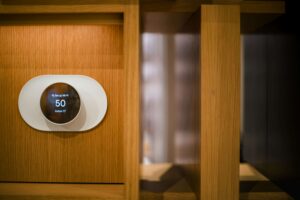
Let’s be real—a room packed with nervous, shouting football fans gets hot fast. Tie your ecobee or local thermostat to your Matchday script. Have Home Assistant drop the temperature by 2 degrees right when the pre-game show starts. Your guests (and your sweat glands) will thank you.
4. Hype-Man Lighting
Set your Zigbee lights (like Philips Hue or cheap Zigbee bulbs flashed with ESPHome) to match your team’s jersey colors. If you are rooting for Team USA, dim your main lights down to a cinematic 15%, turn your left corner lamp deep blue, and light up the right side of the room in solid red.
Step 3: Hosting International Fans? Read This First.
If you live in a host city and are short-term renting your place out to international travelers this summer, our smart home strategy needs to shift from fun to bulletproof safety.
- Throw Away the Physical Keys: Guests lose keys, and changing locks sucks. Install a keypad smart lock (like the Schlage Connect).
- Automate Guest Access: Use the Keymaster integration in Home Assistant. It lets you create temporary door codes that activate when your guests check-in and automatically wipe themselves from the lock memory the morning they leave.
- Respect Privacy, Protect Assets: Never put cameras indoors—that is a quick way to get banned on rental apps. Instead, stick to outdoor cameras, but place Zigbee water leak sensors under the sinks and smart smoke detectors in the hallways to monitor your home’s health without being creepy.
The Pre-Match Checklist
Before the opening whistle blows and you crack open a cold drink, do a quick walk-through with us:
- Run a quick backup and update your Home Assistant core.
- Swap out old batteries in your porch motion sensors so they don’t die mid-game.
- Trigger your doorbell script once while watching a video to ensure the overlay actually pops up.
- Set up your guest keycodes ahead of time.
Keeping everything local means your setup won’t crash when the neighborhood internet bogs down during a penalty shootout. It just works.
What team are you coding your smart lights for this season? Drop your custom matchday scripts or layout ideas in the comments below—we would love to see what you are building!