
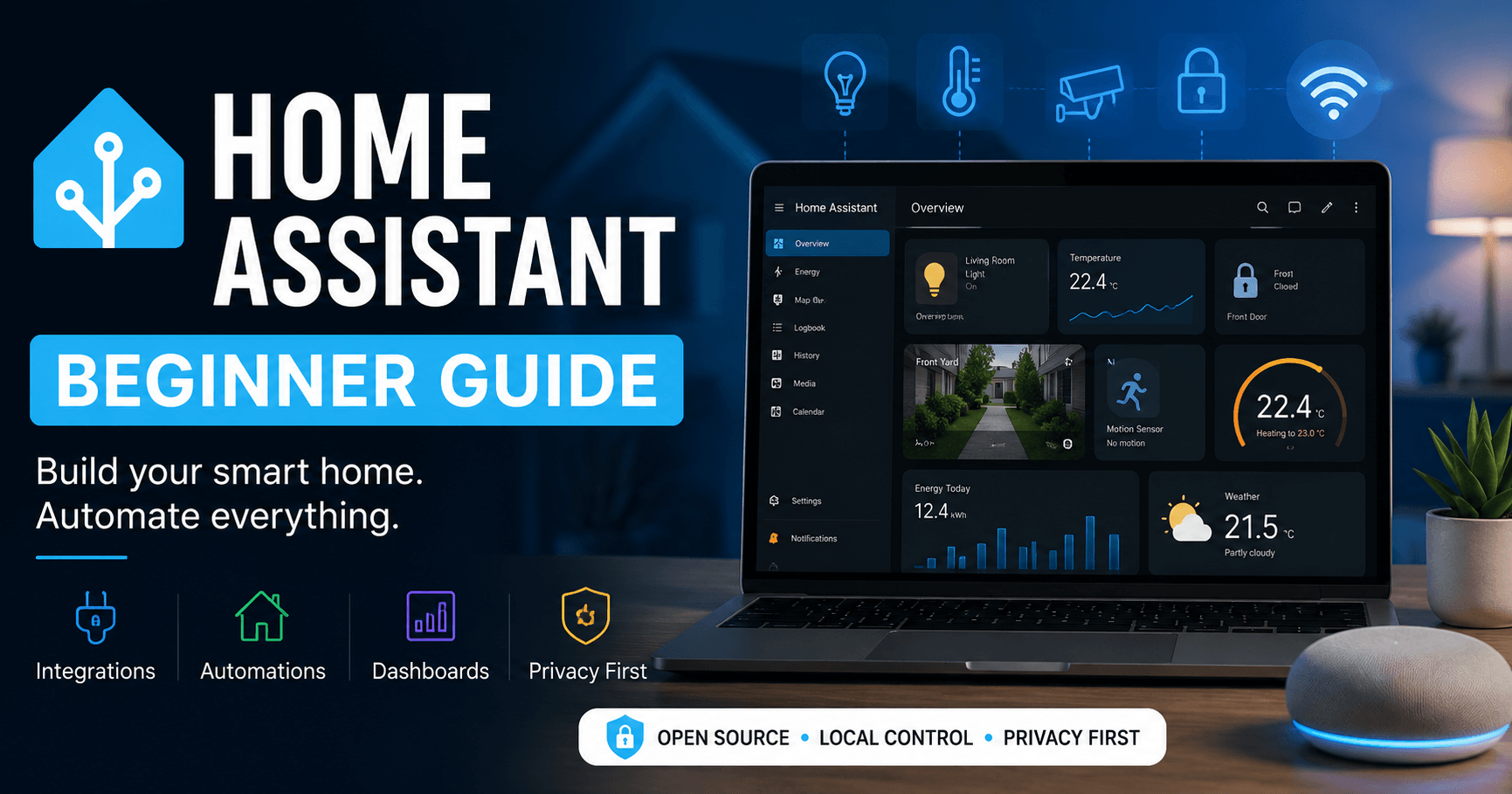
Home Assistant Guide for Beginners: What It Is and Why So Many People Love It
If you’ve ever wished all your smart home devices could work together without needing five different apps, you’re not alone. That’s exactly why Home Assistant has become so popular among homeowners and tech enthusiasts.
Whether you have smart lights, security cameras, door locks, or motion sensors, Home Assistant can bring everything together under one roof—giving you more control, more privacy, and a smarter home.
So, What Exactly Is Home Assistant?
Home Assistant is a free, open-source platform that lets you manage and automate smart devices from a single dashboard.
Think of it as the brain of your smart home.
Instead of opening separate apps for your camera, lights, thermostat, and door lock, Home Assistant allows them to communicate with each other and work together automatically.
For example, you can create a routine that:
- Turns on the porch light when motion is detected.
- Sends a notification when someone rings the doorbell.
- Locks all doors when everyone leaves the house.
- Turns off lights automatically at bedtime.
Once everything is set up, many tasks happen in the background without you having to think about them.
Why Are More People Choosing Home Assistant?
One of the biggest reasons is freedom.
Most smart home brands want you to stay inside their ecosystem. Home Assistant, on the other hand, works with thousands of devices from different manufacturers.
So if your security camera is from Reolink, your lights are from Philips Hue, and your smart plugs are from TP-Link, that’s perfectly fine—Home Assistant can bring them together.
Another reason people love it is privacy.
Many smart home platforms depend heavily on cloud servers. Home Assistant keeps much of your data inside your home, meaning your automations continue working even if your internet goes down.
For people who value privacy and reliability, that’s a huge advantage.
What Can You Do With Home Assistant?
Honestly, the possibilities are almost endless.
Here are a few practical examples:
Make Your Home More Secure
Imagine you’re away on vacation.
A motion sensor detects movement in your backyard. Home Assistant immediately:
- Turns on outdoor lights.
- Starts recording with your security camera.
- Sends an alert to your phone.
All of this happens automatically.
Save Energy
You can set your lights and thermostat to adjust based on whether anyone is home. This helps reduce electricity usage without sacrificing comfort.
Create Morning and Night Routines
Your bedroom lights can slowly brighten in the morning, while your coffee machine starts brewing before you even leave the bed.
At night, one tap can turn off all lights, lock doors, and arm your security system.
Is Home Assistant Difficult to Use?
This is probably the question beginners ask most.
A few years ago, Home Assistant had a reputation for being complicated. While advanced features still have a learning curve, the platform has become much easier to use.
If you can follow step-by-step instructions, you can set up Home Assistant.
Many users start with just a couple of devices and gradually add more as they become comfortable.
You don’t need to be a programmer or an IT expert.
What Hardware Do You Need?
Home Assistant can run on:
- Raspberry Pi
- Mini PCs
- Old laptops
- Virtual machines
- Home Assistant Green (designed specifically for beginners)
For most people, Home Assistant Green or a Raspberry Pi is the easiest way to get started.
Is Home Assistant Worth It?
If you’re looking for a simple smart home solution that works right out of the box, platforms like Google Home or Amazon Alexa may be easier.
But if you want:
- More control
- Better privacy
- Fewer apps
- Powerful automations
- Compatibility with thousands of devices
Then Home Assistant is one of the best platforms available.
There’s a bit of a learning curve, but many users find it’s well worth the effort.
Final Thoughts
Home Assistant isn’t just another smart home app—it’s a platform that gives you complete control over how your devices work together.
You don’t need to automate your entire house overnight. Start small. Add a few devices, experiment with simple routines, and build your smart home at your own pace.
Before long, you’ll wonder how you ever lived without it.
